The 2026 Smart Home Setup for Aging Parents (No Geekery Required)
Last Thanksgiving, my mother-in-law left the stove on after making gravy. She didn’t notice until the smoke alarm went off—and even then, she thought it was a test. That moment changed how I thought about smart home tech. Not as a toy for enthusiasts, but as a quiet layer of safety that doesn’t require a manual. The best smart home setup for elderly parents aging in place in 2026 isn’t about having the flashiest gadgets. It’s about creating a home that quietly takes care of the little things—turning off the stove, locking the door, brightening the path to the bathroom at 3 a.m.—so your parents can stay independent and you can sleep better.
I’ve set up three such homes in the past year, and I can tell you: the tech has finally gotten simple enough that you don’t need to be a geek to make it work. The key is choosing the right devices and setting them up once, then mostly forgetting they’re there. This article walks you through exactly that—no jargon, no unnecessary complexity, just the stuff that actually helps.
The Core Four: Must-Have Devices for a Safe, Simple Smart Home
When I started researching smart home devices for elderly parents, I made every mistake: bought a hub that needed its own hub, a light bulb that required a custom app, and a thermostat that might as well have been in Klingon. After that disaster, I settled on a core four—devices that cover 90 percent of the safety and convenience needs without overwhelming anyone.
1. Smart Lighting That Responds to Motion and Time
Falls are the number one risk for seniors at home, and most falls happen at night. A smart light that turns on automatically when someone gets out of bed can prevent that. Look for bulbs or switches that work with a voice assistant (Alexa or Google Assistant) and can be set to a schedule. I use Philips Hue bulbs in bedside lamps and a simple motion-sensor switch in the hallway. Cost: about $80 for three bulbs and a hub.
2. A Video Doorbell That Does the Heavy Lifting
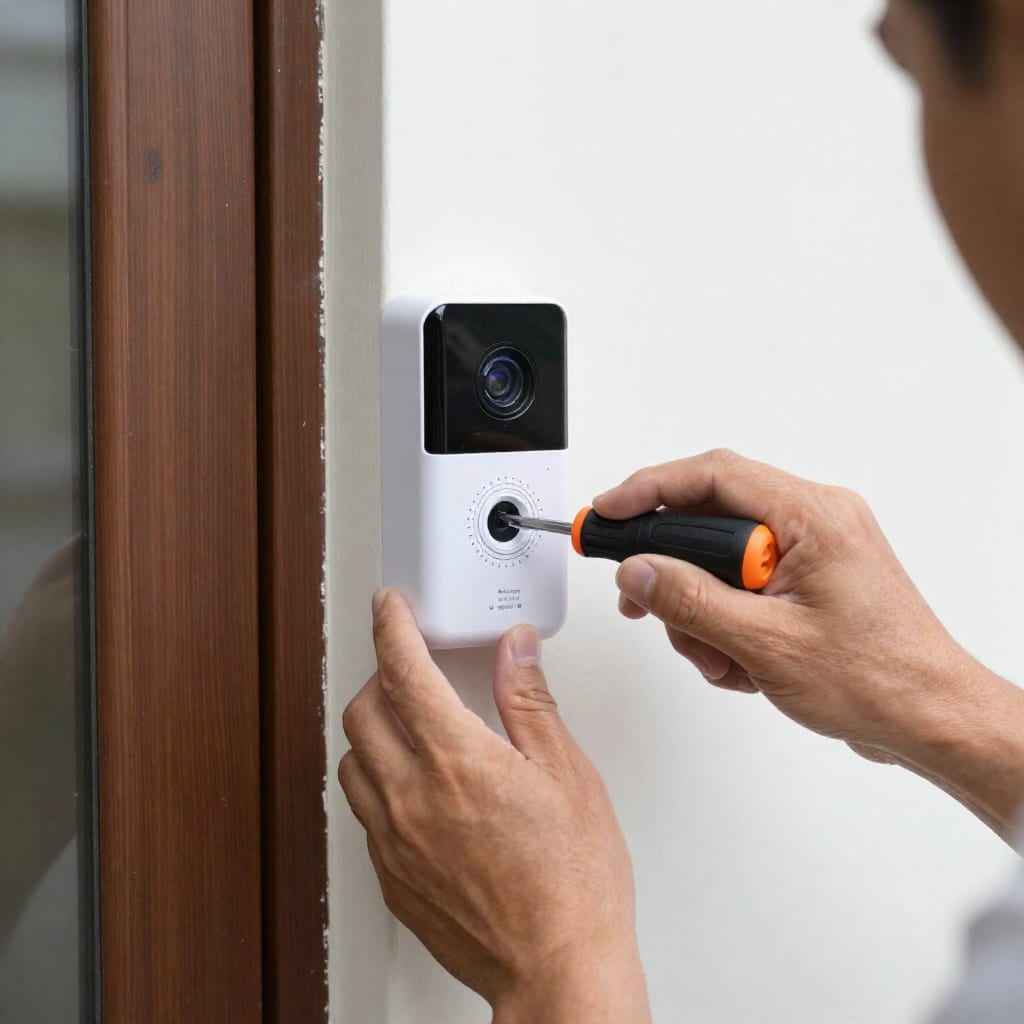
Package theft is annoying, but the real value of a doorbell camera is knowing who’s at the door without having to get up—or worse, opening the door to a stranger. The Ring Battery Doorbell Plus (2025 model) has a clear 1080p feed, two-way audio, and motion alerts that you can set to avoid false alarms from passing cars. It runs on a rechargeable battery, so no wiring required. Cost: about $150.
3. A Thermostat That Learns (But Doesn’t Need Teaching)
Older homes often have drafty rooms and confusing furnace controls. A smart thermostat like the Ecobee Smart Thermostat Premium adjusts based on occupancy and outdoor temperature. It can also detect when no one is home and turn down the heat, saving money. The best part: you can override it from your phone when your mom complains it’s too cold. Cost: about $200.
4. A Voice Assistant That Actually Listens
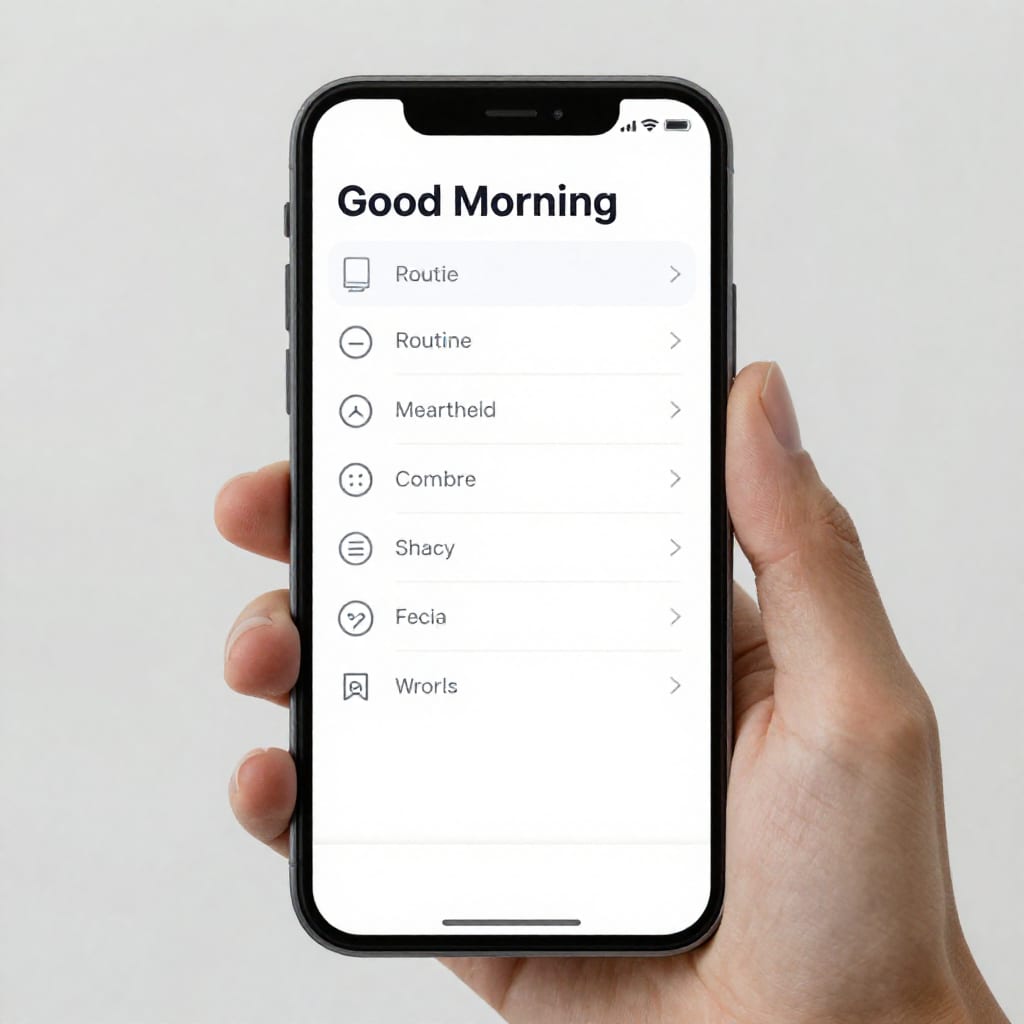
The Amazon Echo Show 8 (2025 edition) is my go-to. It combines a smart speaker with a screen that can show family photos, weather, and reminders. You can set up routines like “Good morning” to turn on lights, read the news, and adjust the thermostat. The key is to disable features they won’t use (like shopping lists) and enable only the ones that help. Cost: about $130.
Total for the core four: roughly $560. But if you shop sales or bundles, you can get it under $400. That’s less than a month of assisted living.
How to Set It Up Without Turning Your Parents Into Tech Support
Setting up a simple smart home setup for aging parents is where most people give up—or worse, hand the phone to their parents and expect them to figure it out. Don’t. Here’s my step-by-step method that takes about two hours and zero geekery.
Step 1: Choose One Platform—Stick to It
Pick either Amazon Alexa or Google Assistant. Buy all your devices to work with that platform. I prefer Alexa because it has more third-party support, but Google is slightly easier for pure voice commands. The moment you mix platforms, you’re asking for trouble.
Step 2: Set Up the Voice Assistant First
Plug in the Echo or Nest device, download the app on your phone, and connect it to your parents’ Wi-Fi. Test the voice assistant yourself: “Alexa, turn on the kitchen light.” If it works, move on. If not, fix it before adding anything else.
Step 3: Install Devices One at a Time
Don’t unbox everything at once. Start with the smart lights. Screw in the bulb, pair it with the app, and test it with a voice command. Then move to the thermostat. Then the doorbell. Each device should be fully working before the next one starts. This prevents confusion when something doesn’t work and you don’t know why.
Step 4: Create Routines—Not Instructions
The biggest mistake I made early on was expecting my mother-in-law to remember voice commands. “Alexa, turn on the porch light” is fine until she forgets the exact phrase. Instead, I set up a routine: at sunset every day, the porch light turns on automatically. At 10 p.m., all lights turn off. In the morning, the thermostat warms up. She doesn’t have to do anything. If she wants to override, she can press the physical switch—it still works.
Step 5: Test Everything Remotely
Once everything is set up, open the app on your phone and test each device from wherever you are. Turn on the lights, check the doorbell feed, adjust the thermostat. If you can do it from your phone, you can fix problems without a visit.
One more tip: leave a cheat sheet taped to the fridge. Write down three things: “Say ‘Alexa, good morning’ to start the day,” “Press the doorbell button to see who’s there,” and “If something breaks, call [your number].” That’s it.
[IMAGE:3 A smartphone app interface showing a routine schedule for smart lights and thermostat with a